
Download TikTok Slideshow Photos Online
Download photos from public TikTok slideshows and carousel posts without taking screenshots one by one. Paste a TikTok slideshow link into DownloadTrend to preview the available images, select the photos you want, and save supported content directly to your device.
How to Download a TikTok Slideshow
Saving photos from a TikTok carousel takes only a few steps. DownloadTrend works directly in your browser, so there is no need to install a separate downloader or extension.
Find the TikTok Slideshow
Open TikTok and locate the public slideshow or photo carousel you want to save. Slideshow posts can contain multiple images, videos, or a combination of supported media.
Copy the Post Link
Tap Share on the TikTok post and choose Copy Link. On desktop, copy the slideshow URL from your browser's address bar.
Paste the Link into DownloadTrend
Return to DownloadTrend and place the copied TikTok slideshow URL into the downloader field. Make sure the complete post link is included before starting the request.
Let the Slideshow Load
Click Download and wait while DownloadTrend processes the publicly available post. When supported media is found, the available slideshow content will appear on the results page.
Preview the Photos
Browse the returned slideshow in the preview grid. You can inspect individual images and choose the specific photos you want instead of downloading everything at once.
Download Images, Video, or Audio
Select the available download option for each item. Save slideshow pictures as image files, supported video content as MP4, or available slideshow audio as an MP3 file.
Download TikTok Slideshow Photos Online
TikTok photo posts can contain several pictures arranged into a swipeable carousel. DownloadTrend lets you retrieve publicly available slideshow images through your browser and organize the returned photos into an easy-to-use preview grid.
Instead of saving screenshots one at a time, you can process the original TikTok slideshow link and select the individual images you want to keep. Supported photos can be downloaded separately for offline viewing, editing, reference, or personal archiving.
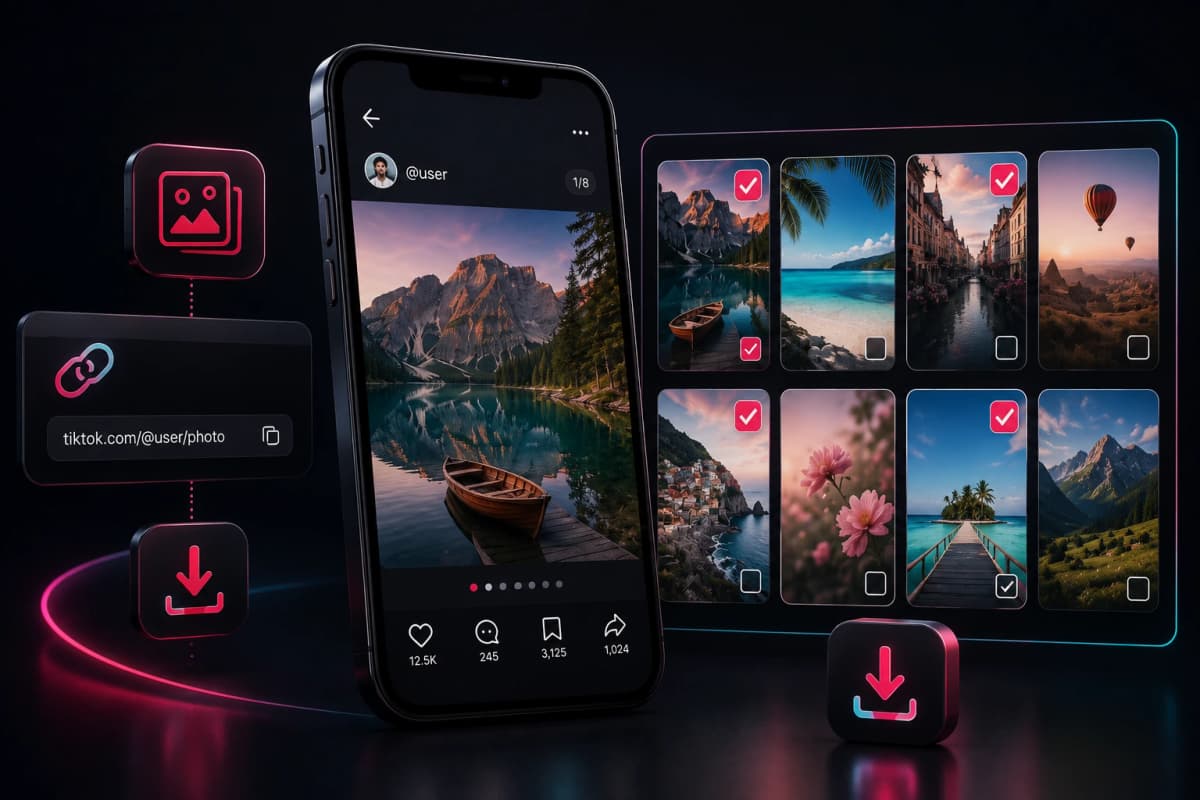
Download TikTok Slideshow Images
Save available TikTok carousel pictures in their supported image format without manually taking screenshots. The downloader presents the discovered photos separately so you can choose which images to save.
Download TikTok Slideshow Videos
Some TikTok carousel posts may contain video alongside photographs. When video media is available, DownloadTrend can provide a supported MP4 download option so you can save the video separately from the other slideshow items.
Extract Audio from a TikTok Slideshow
If supported audio is available for the TikTok post, DownloadTrend can provide an MP3 download option for the available sound. This allows you to keep the audio separately rather than saving the entire slideshow as a video.
TikTok Slideshow Downloader on Mobile and Desktop
DownloadTrend is browser-based, making it accessible from modern phones, tablets, laptops, and desktop computers. You do not need to install additional software to process a supported TikTok slideshow URL.
Android Phones
Copy the TikTok slideshow link in the TikTok app, open DownloadTrend in your mobile browser, paste the URL, and select the available photos or media you want to save.
iPhone & iPad
Use TikTok's Share menu to copy the slideshow link, then open DownloadTrend in Safari. Paste the post URL and download the supported slideshow images or other available media.
Windows & Mac
Copy the TikTok carousel URL from TikTok or your browser and process it through DownloadTrend. Preview the returned content and save individual images or other supported media directly to your computer.
Tablets
TikTok slideshow downloads are also accessible from modern tablet browsers. Open DownloadTrend, paste the public post URL, and choose the available media from the results.
Why Download TikTok Slideshow Photos?
TikTok slideshows can contain useful photography, tutorials, recipes, artwork, product ideas, travel inspiration, and other visual information. Saving a publicly available slideshow can make it easier to view that content later when you have permission to keep or reuse it.
DownloadTrend focuses on giving you a simple way to process supported TikTok carousel posts without requiring a dedicated application.
Select Only the Photos You Need
Not every slideshow needs to be downloaded in its entirety. DownloadTrend's slideshow results are designed around individual media selection, allowing you to preview available carousel items before choosing what to save.
If a post contains ten photos but you only need two, you can select those particular images instead of downloading the complete collection.
Use TikTok Content Responsibly
Only download, store, modify, or reuse TikTok content when you have the appropriate rights or permission from the creator. Respect copyright, creator ownership, privacy, and TikTok's applicable terms when saving or sharing downloaded media.
DownloadTrend is an independent third-party service and is not affiliated with, sponsored by, or officially endorsed by TikTok, ByteDance, or Douyin.
Frequently Asked Questions
Find answers to common questions about saving TikTok slideshow and carousel content with DownloadTrend.